

How it works
When web search is enabled, the model issues queries to the web in real time and uses the retrieved snippets as additional context for its response. When web search is disabled, the model answers from its pretrained knowledge alone.Getting Started
To begin using Chat:- Go to your io.net Dashboard.
-
Navigate to Chat within IO Intelligence.
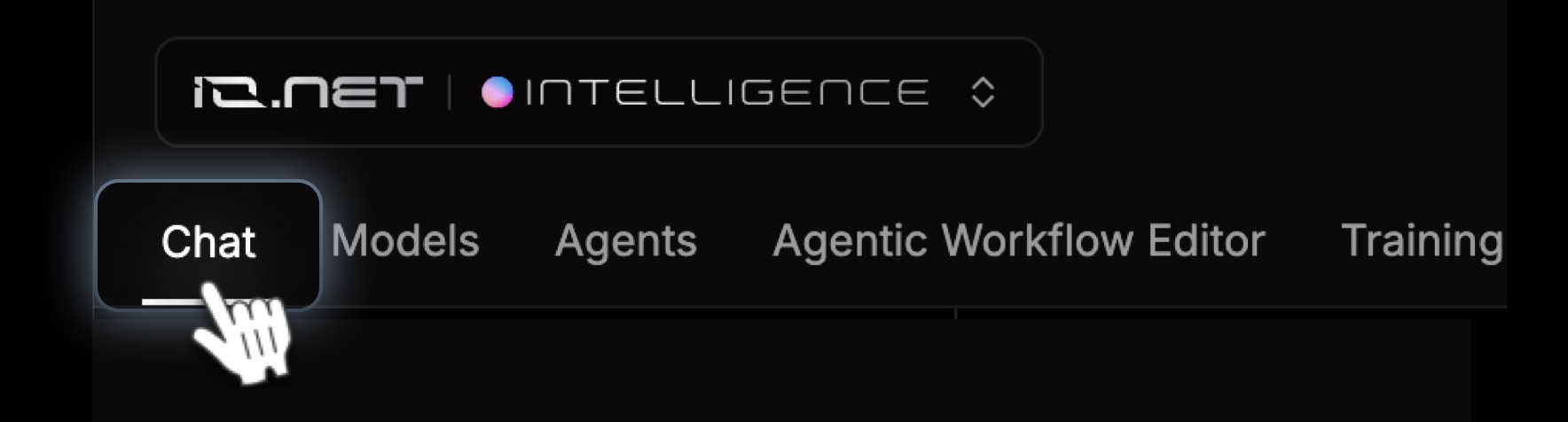
- Type your question or command in the chat box and start chatting.
Key Features
-
Chat with the model
- Type your question or command in the chat box at the bottom of the page.
-
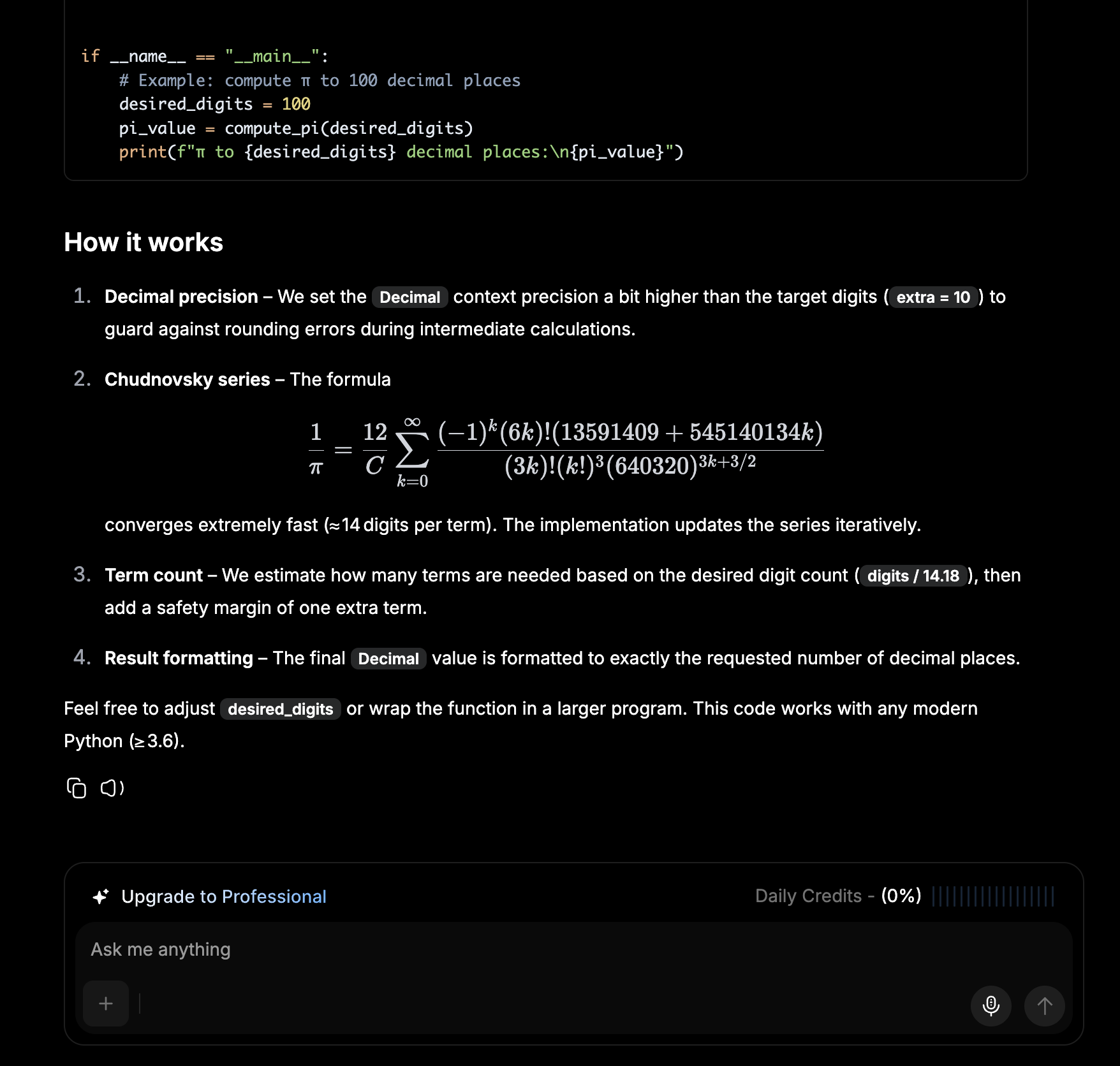
Use the microphone icon to record voice input (if preferred).
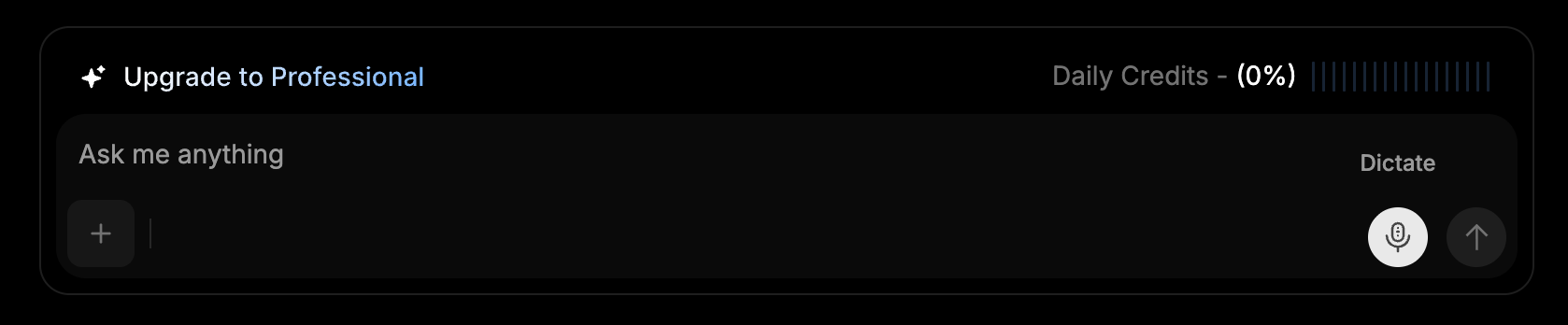
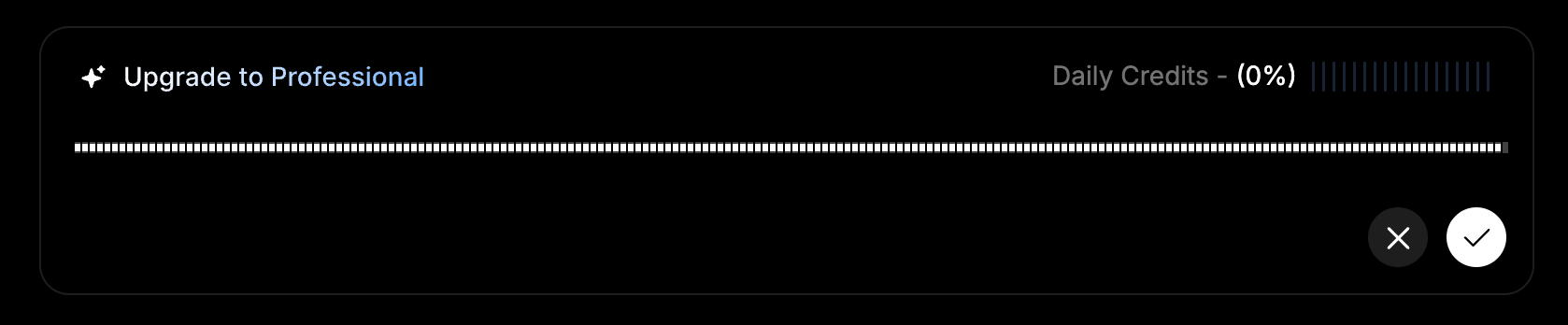
- Each interaction consumes tokens.
-
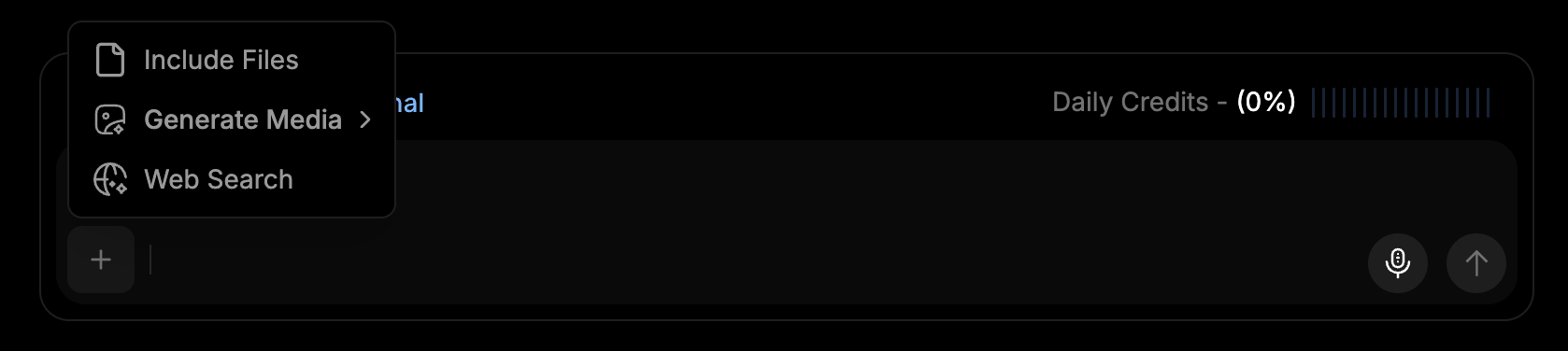
Enable web search
- Toggle web search on to let the model fetch live results from the web before answering.
-
This is useful when you need current information that may not be in the model’s training data.
Communicating with Chat
How to Ask Questions
- Enter your question or prompt in the chat field.
- The model will generate a response, optionally enriched with web search results when that option is enabled.
What Each Response Includes
- Clear, concise answer — directly addressing your query.
- Reasoning breakdown — explaining how the model reached the conclusion.
- Tools or agents used — showing any additional AI functions applied.
-
Web sources — when web search is enabled, links to the pages used to inform the response.
Example Use Cases
- General Q&A and brainstorming
- Code explanations and snippets
- Quick lookups with up-to-date web context
- Drafting emails, summaries, and outlines
IO Credits and Token Management
Each chat interaction consumes tokens, which are automatically refreshed daily. If you reach the daily token limit of your plan and need additional usage, you can purchase IO Credits to continue without interruption:When your daily quota limit is reached, the system will automatically switch to consuming your available IO Credits for continued usage — this applies across all subscription tiers.
- Click Buy IO Credits or Upgrade to Professional to continue when you run out of Daily Credits.
- Complete your purchase to gain access to:
- Unlimited responses and storage — continue conversations without restrictions.
- Advanced AI insights and automation — unlock enhanced features and capabilities.
- Dedicated account management — receive personalized support when needed.